 KnowEdge Publishing
There's a quick, reliable test for whether a piece of process documentation is actually good: hand it to someone who has never done the task before — a genuinely new hire, or an AI system with no prior context — and see if they can execute the process correctly using only the document, with no verbal clarification from anyone who already knows how it works. Most existing process documentation fails this test immediately, not because it's poorly written in a stylistic sense, but because it was written by someone who already knew the process, for an audience assumed to already know most of it too. The gaps that creates are invisible to the person who wrote it and completely disqualifying to the person or system trying to follow it cold.
This matters more than it used to, because the same documentation that clears that bar for a new hire also happens to be exactly what's needed to automate the process with AI, or to hand a mechanical piece of it to an AI agent with real confidence. That's not a coincidence — both a new hire and an AI system need the same thing: the actual steps, the actual decision points, and the actual exceptions, stated explicitly rather than assumed. Writing documentation to this standard is more work upfront than writing the usual quick reference sheet, but it only has to be done once to serve both purposes.
The dual test: could a stranger execute this, and could a machine parse it?
Two separate but related questions define whether documentation clears the bar. First, could a competent stranger with no prior knowledge of this specific business execute the process correctly using only this document — not "understand roughly what happens," but actually perform each step correctly, including knowing what to do when something doesn't go as expected? Second, could the same document be handed to an AI system as its instructions for a mechanical piece of that process, without the system needing to infer anything the document didn't actually say?
Most documentation fails the first test on the exceptions and fails the second test on vagueness — a document might say "check if the order qualifies for expedited shipping" without ever stating what actually determines qualification, which a long-tenured employee just knows from memory and a stranger or an AI system has no way to determine.
Anatomy of documentation that clears the bar
Good process documentation, in this sense, has a specific, repeatable shape regardless of what the process itself is:
A stated trigger. What specifically starts this process — a new order in the system, a support ticket tagged a certain way, the fifth of the month. Not "when it's time to," but a fact someone or something can check.
Sequential steps in the actual order they happen, not the order that would seem most logical in the abstract — real processes often do things in an order that makes sense operationally but wouldn't be anyone's first guess, and documenting the idealized order instead of the real one is exactly the gap that causes a new hire's or an AI system's output to look plausible and be wrong.
Explicit decision points with the actual rule, not the intuition behind it. "Escalate to a manager if the refund amount exceeds $200" is usable; "escalate if it seems like a lot of money" is not, even though a human with three years of tenure has an intuitive sense of where that line sits.
Named exceptions, not just the happy path. What happens when the customer's account doesn't exist yet, when the vendor hasn't sent the expected confirmation, when two systems disagree about the same order's status. These are exactly the cases a new hire calls a colleague about and an AI system silently gets wrong, because both default to their best guess when the documentation is silent.
A definition of "done." What confirms the process actually completed correctly — a confirmation email sent, a status field updated, a specific record created — not just "and then you're finished."
A worked example: order fulfillment documentation, before and after
Consider a mid-size e-commerce company's existing documentation for order fulfillment, which reads: "When an order comes in, check inventory, pack it, and ship it. If something's out of stock, handle it appropriately." That's a fair description of what happens in the easy case, and it fails both halves of the dual test immediately — a new hire reading this has no idea what "handle it appropriately" actually means, and an AI system given this as an instruction set would either stall on the first out-of-stock item or guess, neither of which is acceptable.
Rewritten to clear the bar, the same process becomes considerably more specific: the trigger is an order landing in the fulfillment queue with payment confirmed. Step one is checking each line item against the inventory system by SKU. If every item shows available stock, proceed to pick-and-pack using the standard packing checklist, print the shipping label generated by the carrier integration, and mark the order shipped in the system, which triggers the customer's shipping confirmation email automatically. If any line item shows zero or insufficient stock, the documented exception path applies: check the item's backorder ETA field — if it's within five business days, hold the full order and notify the customer with the standard backorder template; if it's beyond five business days or blank, split the order, ship available items immediately, and flag the backordered item to the customer service team via the shared queue rather than proceeding automatically. Done is defined as: order status shows "shipped" or "partially shipped with backorder flagged," and the customer has received the corresponding email.
That version is longer, and that length is the entire point — every additional sentence closes a gap that the shorter version left to individual judgment. A new hire can execute this correctly on day one without asking a colleague what "handle it appropriately" means. An AI system given the mechanical steps — checking inventory, generating labels, sending the correct template based on the ETA field — has an explicit, checkable rule for every branch instead of a vague instruction it would otherwise have to guess at.
Tip
When you catch yourself writing a phrase like "handle it appropriately," "as needed," or "use your judgment" in a process document, stop and ask what specifically the experienced person actually checks in that moment. That phrase is almost always hiding a real, statable rule that simply never got written down because it felt too obvious to the person who already knew it.
Capturing exceptions without documenting every possible edge case
There's a real risk of overcorrecting into documentation that tries to enumerate literally every conceivable edge case, which becomes unreadable and just as useless as the vague version, in a different way. The practical discipline is to document the exceptions that are common enough to matter — occurring regularly enough that a new hire or an automated process will genuinely hit them — and to give an explicit escalation path for anything else, rather than trying to anticipate everything.
That escalation path is itself part of good documentation: "if a situation doesn't match any case above, flag it to [specific person or queue] rather than guessing" is a completely legitimate and necessary line in the document. It's the same principle as the human checkpoint in a well-scoped AI agent — an explicit, honest "here's what to do when this document doesn't cover your situation" is far better than an implicit assumption that everything has been covered when it hasn't.
Format matters less than most teams think
Companies often over-invest in choosing the right documentation tool or template before writing a single real document, when the actual content — trigger, sequential steps, explicit decision rules, named exceptions, a definition of done — matters far more than whether it lives in a wiki, a shared doc, or a dedicated process-management tool. A plain document with those five elements, reviewed and kept current, outperforms an elaborately formatted flowchart that's missing the actual decision rules underneath the boxes and arrows.
Keeping documentation from going stale
Documentation written to this standard has more surface area to go out of date than a vague summary does, precisely because it states specifics — a $200 threshold, a five-business-day ETA cutoff — that can change as the business does. The practical fix is naming an owner for each documented process, someone whose job includes noticing when the real process has drifted from the documented one and updating the document rather than letting the two quietly diverge. A useful trigger for review is exactly the kind of change that prompted the original mapping exercise in the first place: any time someone new joins the team and needs this document, or any time an automation gets built against it, is a natural moment to confirm it still matches reality before either the new hire or the automation inherits an outdated rule.
Why this is worth the extra effort once, not twice
The temptation is to write a quick reference for new hires and, separately, a more technical specification when it's time to automate something — treating these as two different documentation projects for two different audiences. In practice, the specification a good automation needs and the document a new hire needs to execute correctly on day one are close enough to identical that writing one document to the higher standard serves both purposes, and updating one document keeps both audiences current rather than letting a human-facing version and a machine-facing version quietly drift apart from each other over time.
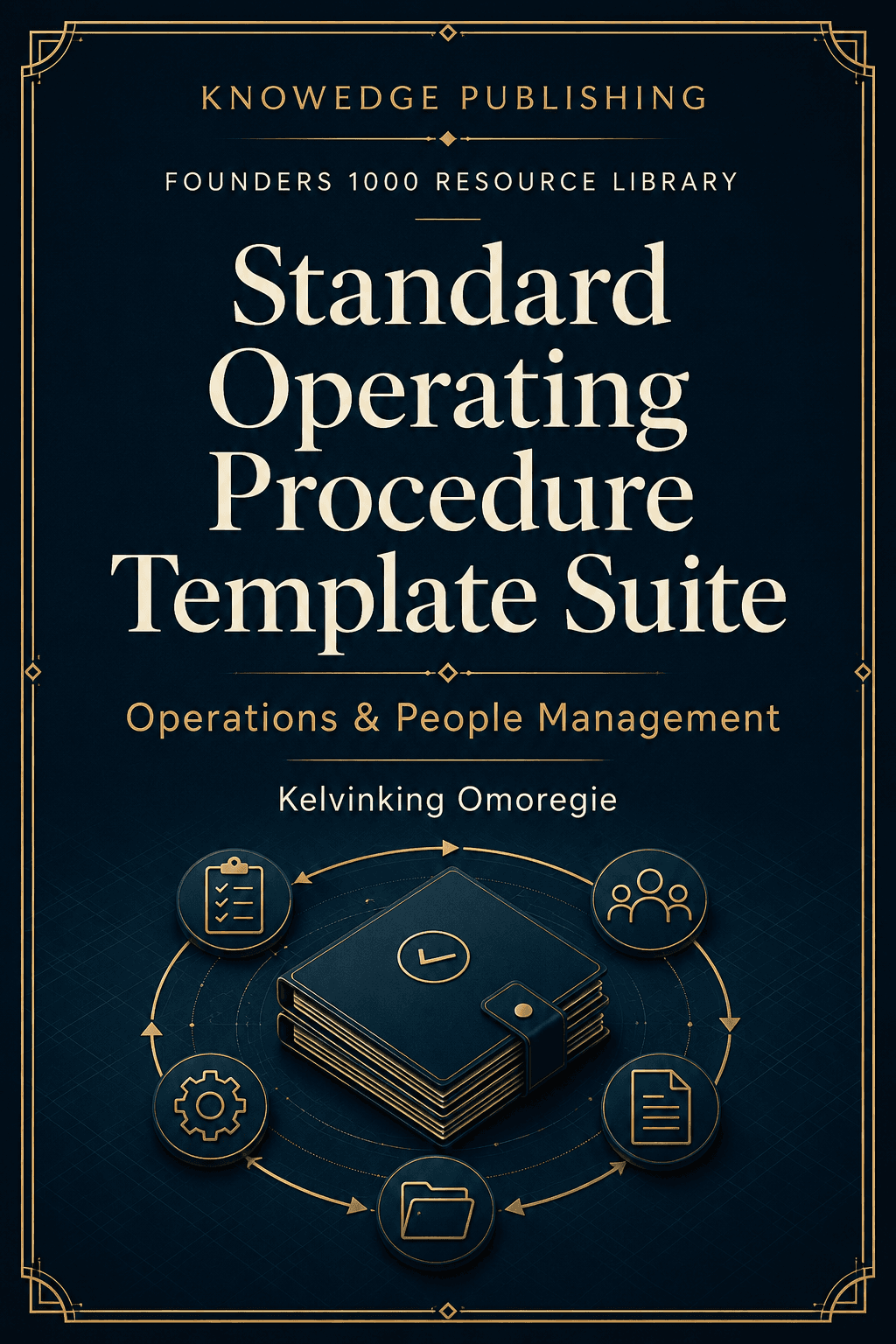
The AI-Powered Operations and Supply Chain Engine goes deep into building documentation to this standard across a full set of operational processes, with more worked examples like the fulfillment case above spanning procurement, inventory, and logistics. The Business Process Documentation resource gives you a structured place to capture the trigger, steps, decision rules, and exceptions for each process you map, and the Standard Operating Procedure Template Suite provides the actual document skeleton — trigger, sequence, decision points, exceptions, definition of done — so every new process you document starts from a structure built to pass both halves of the dual test, not a blank page and good intentions.